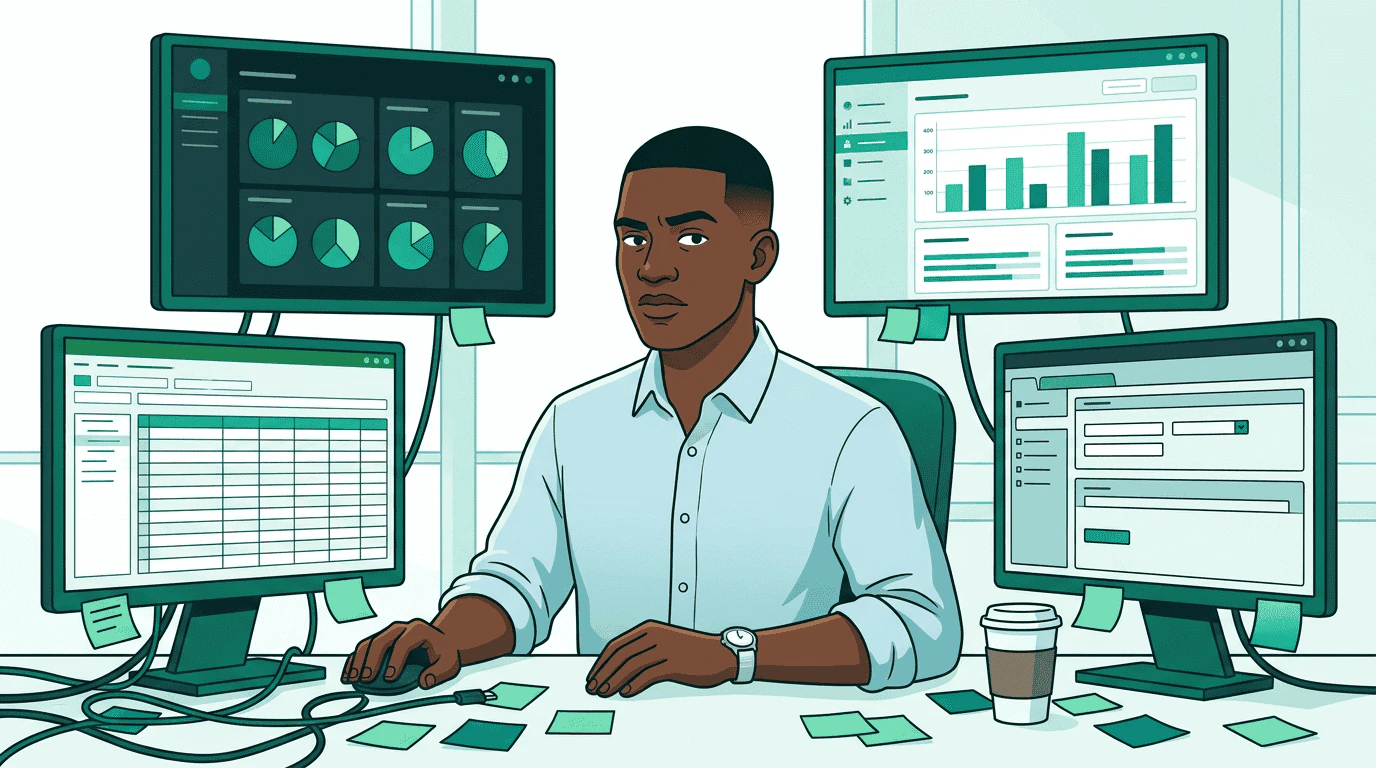
A media buyer sits at a desk surrounded by four different platform dashboards, each showing different data formats and interfaces Sam is a media buyer at Pinnacle Agency. His client just greenlit a $50,000 Q2 campaign for Acme Outdoor’s Trail Pro 3000 — premium video and display across sports and outdoor lifestyle publishers. Three sellers to evaluate. Creatives to match. A governance review before anything goes live. Last time he ran a campaign this size, it took two weeks. Four dashboards. Four logins. A spreadsheet to compare proposals that were never in the same format. He entered the same flight dates into four different systems. This walkthrough follows Sam through the same campaign on AdCP — one protocol that replaces four platform-specific workflows.

Step 1: Write the brief

Sam starts with what he knows: the campaign objectives. Sam's brief glows on screen and radiates outward as clean teal rays to three seller agent robots, each standing at their own podium examining the incoming request In AdCP, the brief is natural language inside get_products. Sam doesn’t need to learn each publisher’s targeting taxonomy or inventory categories — he describes what he wants, and each sales agent interprets it against their own inventory:

const products = await Promise.all(
  sellers.map(seller => seller.getProducts({
    buying_mode: "brief",
    brief: "Premium video inventory on sports and outdoor lifestyle publishers. Q2 flight, $50K budget. Adults 25-54, US and Canada.",
    brand: { domain: "acmeoutdoor.com" },
    account: { brand: { domain: "acmeoutdoor.com" }, operator: "pinnacle-agency.com" }
  }))
);
One brief. Three sellers. Same JSON structure back.
What Sam saysWhat the protocol calls it
Campaign briefbrief field on get_products
Media planProducts returned from get_products
IO / insertion ordercreate_media_buy
Trafficking creativessync_creatives to each seller
Campaign reportget_media_buy_delivery across agents
Flight datesstart_time / end_time on the media buy or packages

Step 2: Compare proposals

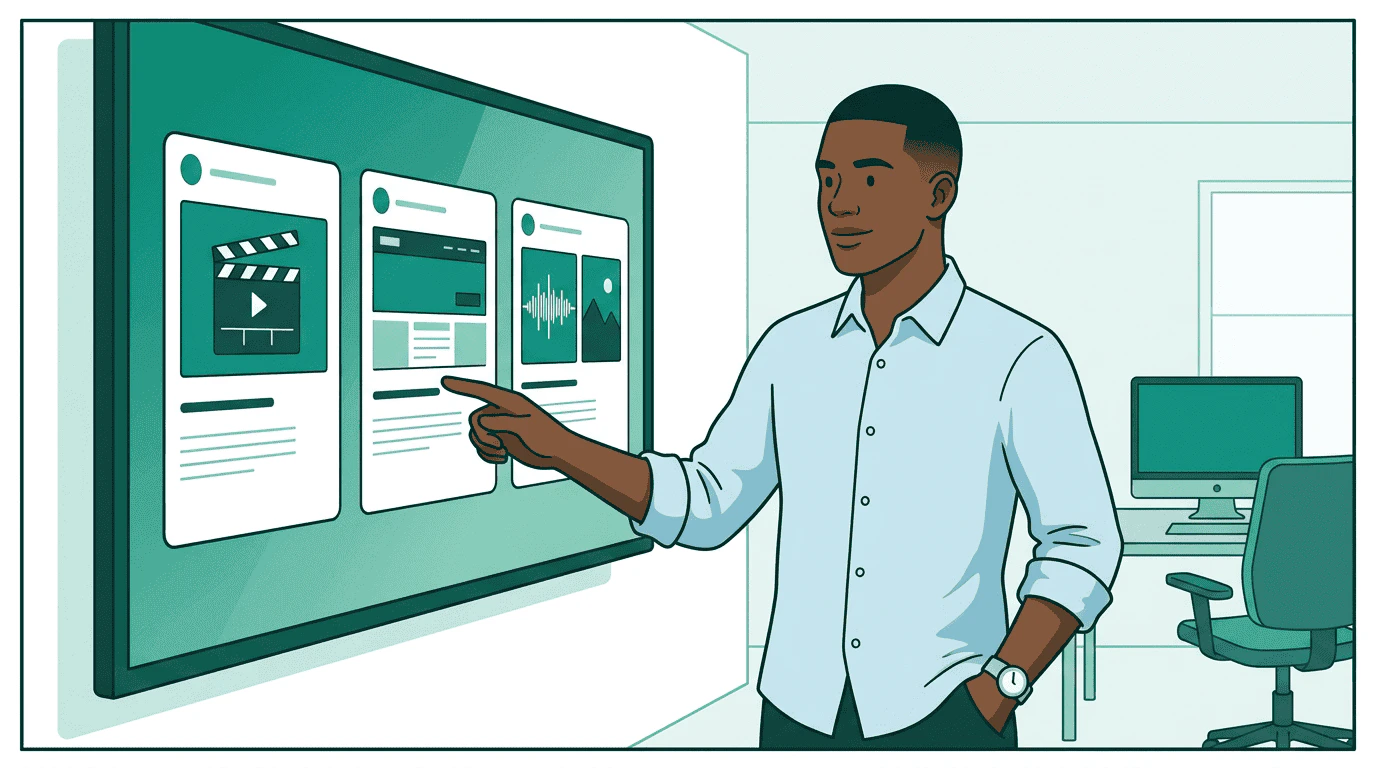
Three seller robots present their offerings — a video slate, a display banner, and a podcast waveform — while Sam reviews them side by side on a single clean screen, looking pleased Products come back in a standard format. For the first time, Sam sees pricing, delivery forecasts, targeting options, and creative requirements — all side by side:
SellerProductCPMForecastFormat
StreamHausCTV sports pre-roll$28890K impressionsSSAI 30s video
OutdoorNetAdventure lifestyle display$122.1M impressions300x250, 728x90
PodTrailOutdoor podcast mid-roll$22340K impressionsAudio 30s + companion
No CSVs. No spreadsheets. No manual data entry. The products are comparable because every seller returns the same schema. Sam wants to narrow down. He switches to refine mode, telling each agent exactly how to adjust:
const refined = await seller.getProducts({
  buying_mode: "refine",
  refine: [
    {
      scope: "request",
      ask: "Only guaranteed packages. Must include completion rate SLA above 80%."
    }
  ],
  brand: { domain: "acmeoutdoor.com" },
  account: { brand: { domain: "acmeoutdoor.com" }, operator: "pinnacle-agency.com" }
});
The refine array lets Sam layer constraints without starting over. Each refinement narrows the previous result set.

Step 3: Match creatives
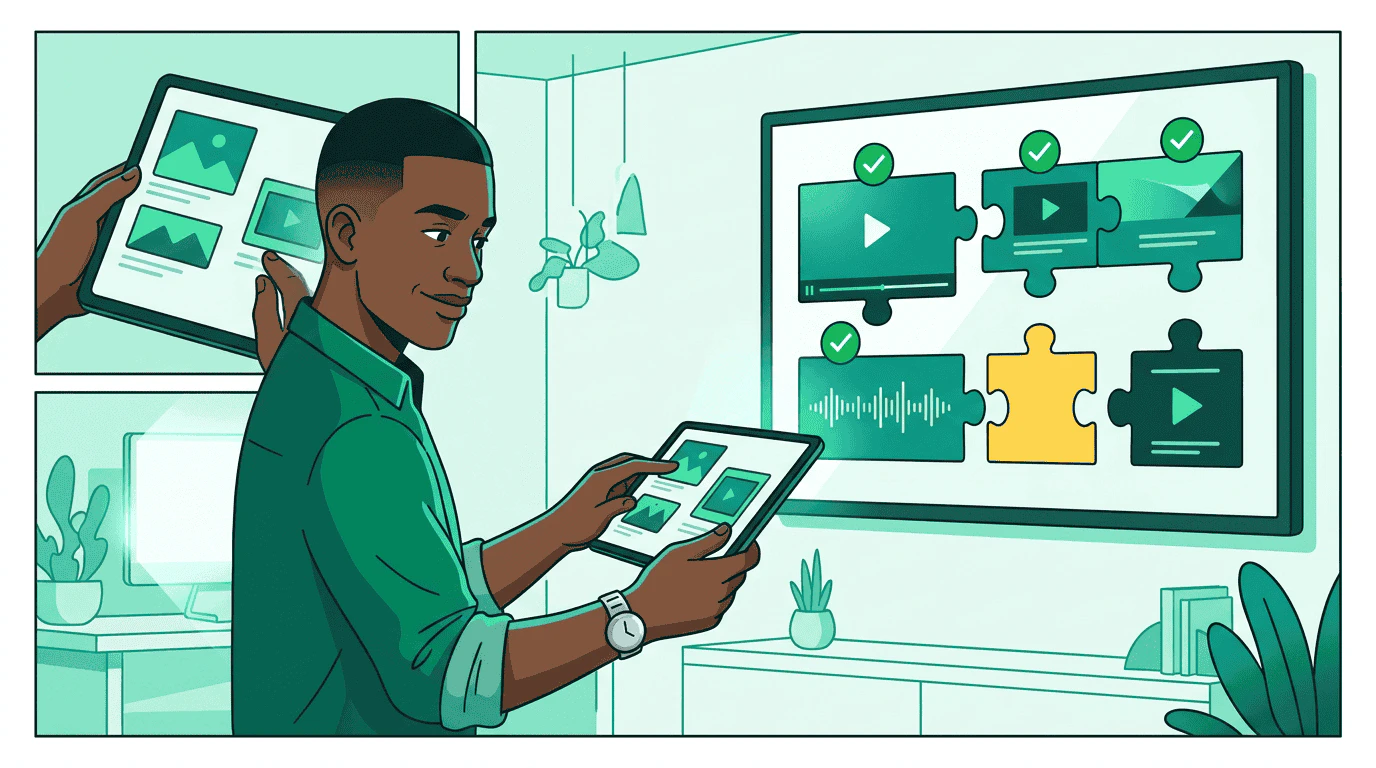
Creative format templates — a 16:9 video frame, a 300x250 banner, and an audio waveform with companion — snap together with actual ad assets like puzzle pieces, assisted by a small robot Each product has creative requirements. Sam’s platform calls list_creative_formats on each seller to understand exactly what they need:
  • StreamHaus needs SSAI-compatible 30s video (MP4, specific codecs)
  • OutdoorNet needs display banners (300x250 and 728x90)
  • PodTrail needs 30s audio plus a 300x250 companion banner
Sam’s creative team already has assets in their library. The platform matches existing manifests to each seller’s format requirements and flags the gap — PodTrail needs an audio cut that doesn’t exist yet.
const result = await seller.syncCreatives({
  account: { brand: { domain: "acmeoutdoor.com" }, operator: "pinnacle-agency.com" },
  creatives: [
    {
      creative_id: "video_30s_trail_pro",
      name: "Trail Pro 3000 - 30s CTV Spot",
      format_id: { agent_url: "https://streamhaus.example", id: "ssai_30s" },
      assets: { video: { url: "https://cdn.pinnacle-agency.example/trail-pro-30s.mp4", mime_type: "video/mp4" } }
    },
    {
      creative_id: "display_trail_pro_300x250",
      name: "Trail Pro 3000 - Display 300x250",
      format_id: { agent_url: "https://outdoornet.example", id: "display_300x250" },
      assets: { image: { url: "https://cdn.pinnacle-agency.example/trail-pro-300x250.png", mime_type: "image/png" } }
    }
  ]
});
if (result.errors) {
  console.error('Sync failed:', result.errors);
} else {
  console.log(`Synced ${result.creatives.length} creatives`);
}

Step 4: Launch the campaign

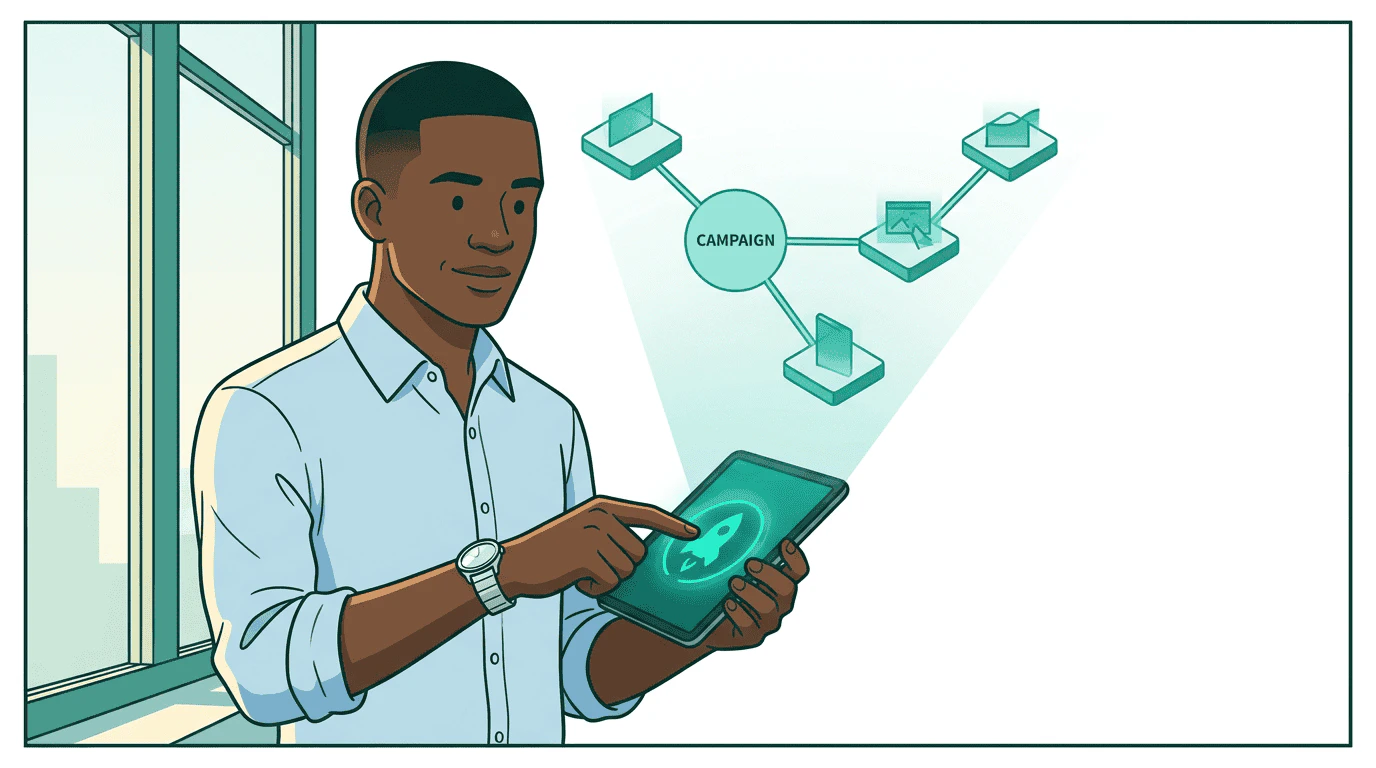
Sam presses a glowing launch button and a holographic campaign blueprint materializes above his desk, showing three branches — CTV, display, and audio — with budget amounts flowing along each branch Sam creates the media buy. One call per seller, same structure everywhere:
const buy = await seller.createMediaBuy({
  account: { brand: { domain: "acmeoutdoor.com" }, operator: "pinnacle-agency.com" },
  brand: { domain: "acmeoutdoor.com" },
  start_time: "2026-04-01T00:00:00Z",
  end_time: "2026-06-30T23:59:59Z",
  packages: [{
    product_id: "streamhaus_sports_preroll_q2",
    budget: 25000,
    pricing_option_id: "cpm_standard",
    creative_assignments: [{ creative_id: "video_30s_trail_pro" }]
  }]
});
The seller validates the creatives and either approves the buy or sends it through review. Sam doesn’t log into any dashboard — the protocol handles status updates.

Step 5: Governance checks

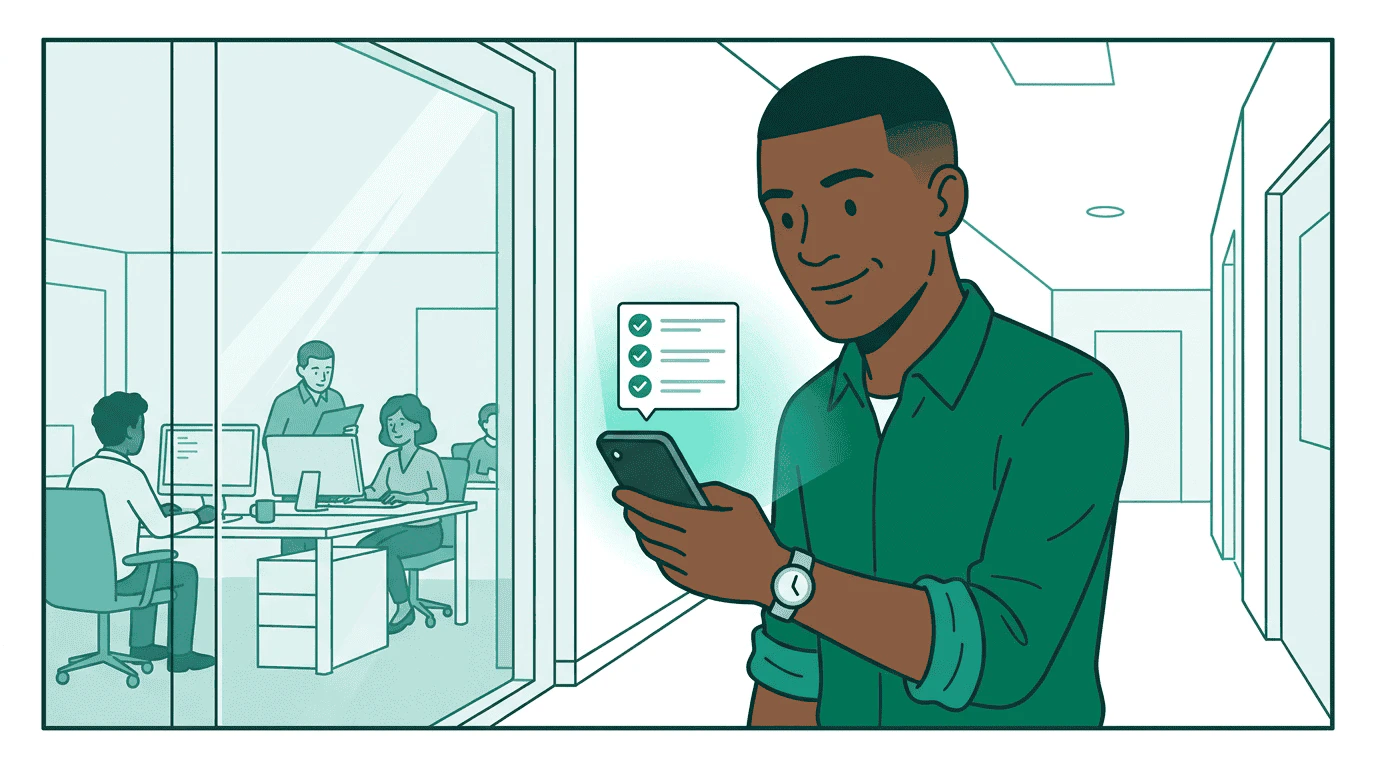
The campaign blueprint passes through a security checkpoint staffed by a governance robot who scans each branch, stamping three green checkmarks for budget, brand safety, and targeting compliance Before any money moves, Sam’s governance agent validates the buy:
  • Budget: $25K is within Sam’s authorized spending limit
  • Brand safety: StreamHaus is on Acme Outdoor’s approved publisher list
  • Compliance: Targeting parameters meet regulatory requirements for US and Canada
  • Creative: All creatives carry required provenance metadata
If the buy exceeds Sam’s authority — say, if the total across all sellers hit $75K — the governance agent escalates to his manager. The campaign pauses at pending_approval until a human signs off. Campaign governance requires the orchestrator to register the campaign plan via sync_plans before any governance checks. The plan defines authorized parameters — budget limits, channels, flight dates, and compliance policies — against which all subsequent actions are validated. The full governance sequence is sync_planscheck_governance (proposed) → create_media_buycheck_governance (committed by seller). See Campaign Governance for the complete specification.
// Step 1: Register the campaign plan with the governance agent
const plan = await governance.syncPlans({
  plans: [{
    plan_id: "acme-q2-trail-pro",
    brand: { domain: "acmeoutdoor.com" },
    objectives: "Q2 Trail Pro 3000 launch across sports and outdoor lifestyle publishers",
    budget: { total: 50000, currency: "USD", authority_level: "agent_limited" },
    flight: { start: "2026-04-01T00:00:00Z", end: "2026-06-30T23:59:59Z" },
    countries: ["US", "CA"]
  }]
});

// Step 2: Check governance before sending to seller (intent check)
const check = await governance.checkGovernance({
  plan_id: "acme-q2-trail-pro",
  caller: "https://orchestrator.pinnacle-agency.example",
  tool: "create_media_buy",
  payload: buy
});

if (check.status === "denied") {
  // Don't proceed — governance rejected the plan
}

// Step 3: Send the buy to the seller with governance_context attached
const governanceContext = check.governance_context;
const mediaBuy = await seller.createMediaBuy({ ...buy, governance_context: governanceContext });

// Step 4: The seller independently calls check_governance with media_buy_id +
// planned_delivery before confirming — validating against the same plan

Step 6: Match at serve time

The campaign is approved and live. When a user loads a StreamHaus page, opens OutdoorNet’s app, or asks an AI assistant a question, the publisher’s TMP Router evaluates which of Sam’s packages should activate. Two operations run separately — Context Match asks “does this content fit the package’s targeting?” while Identity Match asks “is this user eligible?” The publisher joins both responses locally. Sam’s buyer agent never sees user identity and content context together — the structural separation is built into the protocol. The same flow works on every surface. Sam didn’t write surface-specific activation code for CTV versus web versus AI. TMP handles all of them.
When a user visits a StreamHaus article about hiking gear:
  1. StreamHaus sends a Context Match request with the article’s content signals and Sam’s available packages
  2. Sam’s buyer agent responds: “Activate pkg-outdoor-display — this hiking content matches the targeting”
  3. StreamHaus sends a separate Identity Match request with a user token and ALL of Sam’s active packages
  4. Sam’s buyer agent responds: “This user is eligible for pkg-outdoor-display (intent_score: 0.82)”
  5. StreamHaus joins the results locally and activates the line item
See the Trusted Match Protocol for the full specification.

Step 7: Monitor delivery

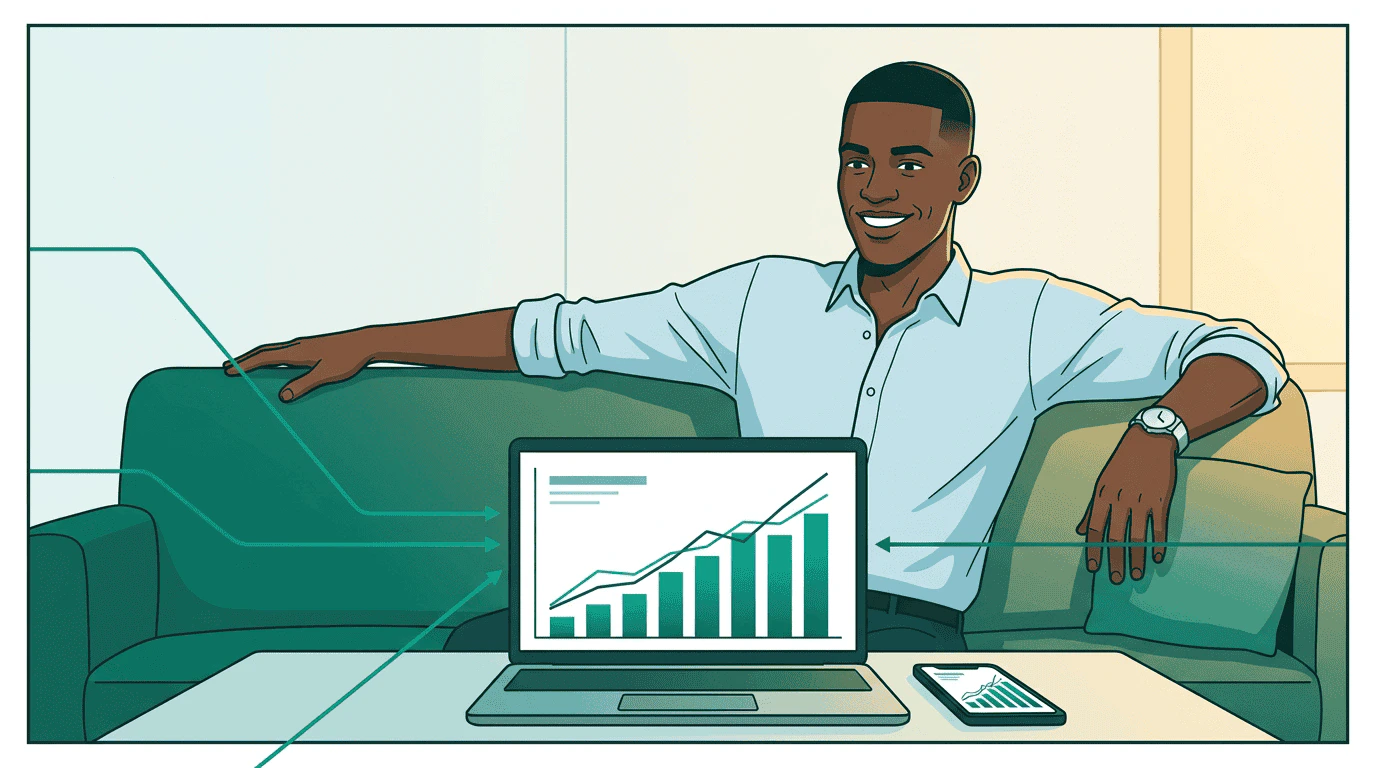
Sam leans back at his desk, relaxed, with a single clean dashboard showing unified performance charts from all three sellers — bar charts rising, line graphs converging, all in teal The campaign is running. Sam monitors through a single view — his platform calls get_media_buy_delivery on each seller and merges the results:
const delivery = await seller.getMediaBuyDelivery({
  account: { brand: { domain: "acmeoutdoor.com" }, operator: "pinnacle-agency.com" },
  media_buy_ids: [buy.media_buy_id],
  include_package_daily_breakdown: true
});
Every seller reports in the same format: impressions, clicks, spend, completion rates. Sam sees one dashboard instead of four. When StreamHaus underdelivers on the CTV package, he reallocates budget to OutdoorNet — one update_media_buy call instead of logging into two platforms.

The full picture
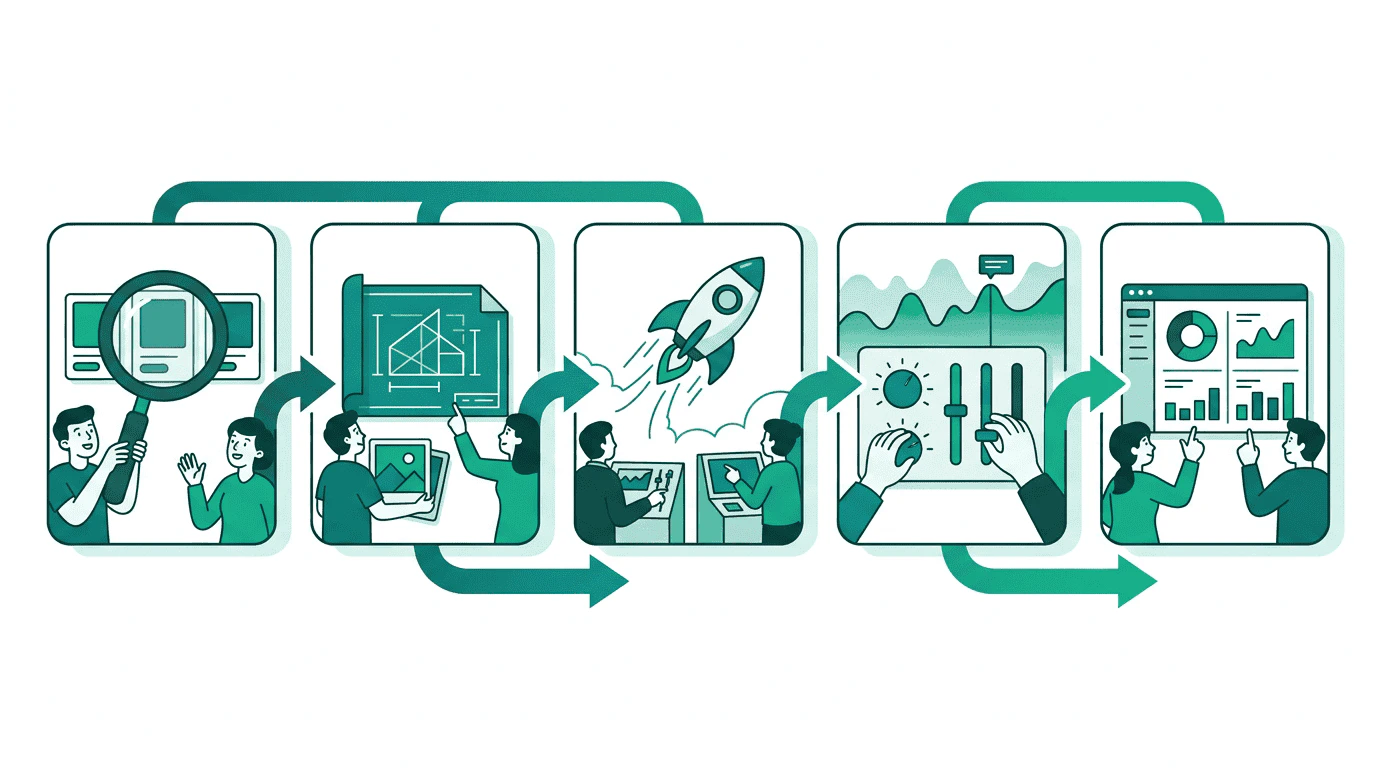
A horizontal pipeline showing the five stages of a media buy: Discovery (magnifying glass), Planning (blueprint), Execution (rocket launch), Optimization (adjusting dials), and Reporting (clean dashboard) Sam went from four dashboards to one protocol. The same tasks that bought CTV inventory also bought display and audio — no platform-specific code, no manual data translation, no spreadsheet reconciliation.
Before AdCPWith AdCP
4 dashboards, 4 logins1 protocol, 1 view
Manual CSV comparisonStandardized product proposals
Platform-specific creative specslist_creative_formats on any seller
4 campaign setup workflowscreate_media_buy everywhere
Manual reporting reconciliationget_media_buy_delivery aggregated
Per-surface activation ad-opsTMP matches packages on any surface automatically

Go deeper