
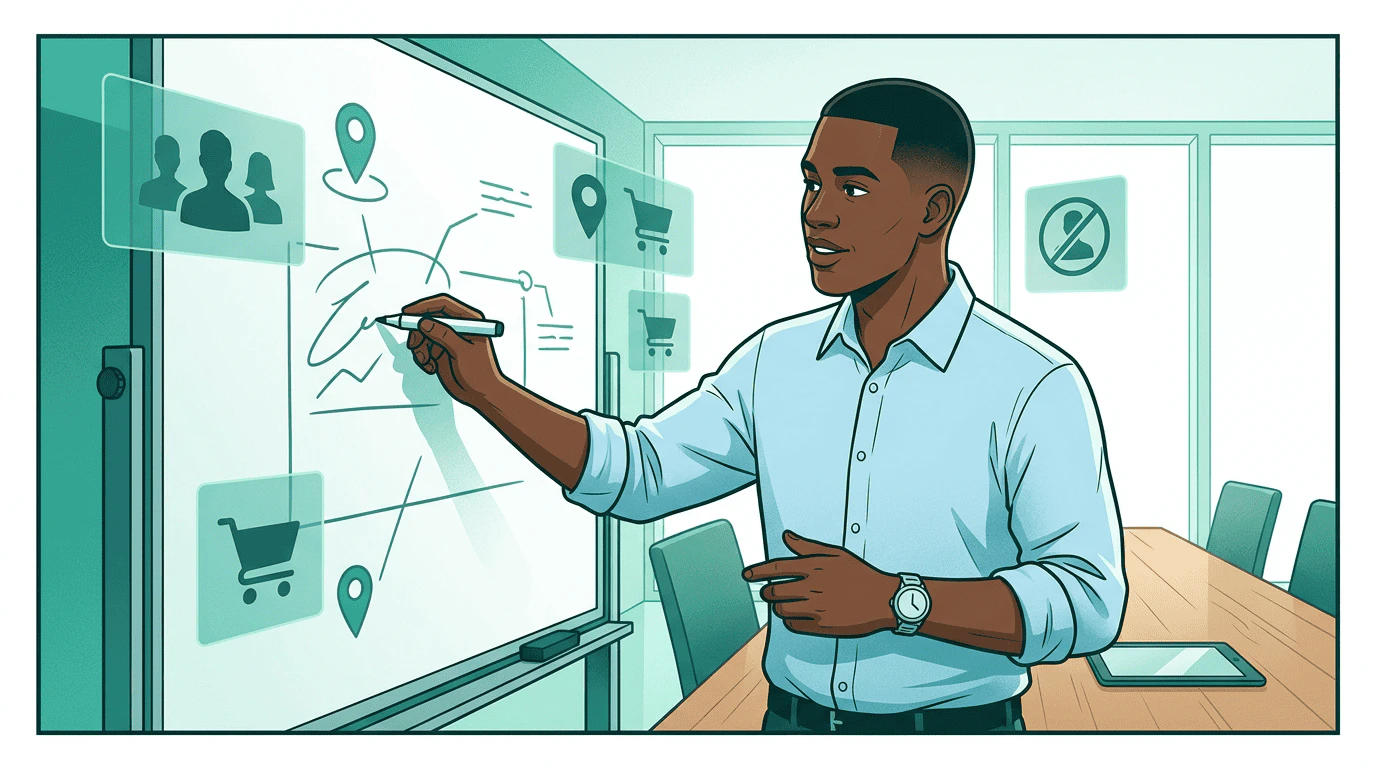
Step 1: Describe what you need
Sam starts with what he wants to accomplish, not a segment taxonomy.
get_signals call. No need to know which providers have what — the signal agent searches across all of them:
Agency language → protocol terms
Agency language → protocol terms
Step 2: Review what comes back

- Trident Auto Data —
purchase_propensity(numeric, 0-1 score). CPM: $1.50.likely_ev_buyers(binary). CPM: $2.50. - Meridian Geo —
competitor_visitors(binary, people who visited competing dealerships). CPM: $2.00. - ShopGrid —
new_to_brand(binary). CPM: $3.50.category_buyer(categorical: electronics, automotive, home). CPM: $3.00.
purchase_propensity is numeric — his agent can set a threshold (score > 0.7) to focus budget on high-intent prospects rather than a blunt include/exclude. He also sees that category_buyer is categorical, so he can target “automotive” specifically without paying for the full ShopGrid audience. The competitor_visitors signal catches his eye — it comes from Meridian Geo, a data company founded by Kai Lindström to make location and behavioral data accessible through open protocols. Sam picks three signals: purchase_propensity for intent scoring, Meridian Geo’s competitor_visitors for conquest targeting near rival dealerships, and new_to_brand to reach households that haven’t bought a Nova before.
Step 3: Verify and select
Before activating third-party data, Pinnacle Agency requires verification. Sam’s platform fetches the data provider’s published definitions directly:- The
new_to_brandsignal exists in ShopGrid’s catalog - The signal agent is listed in
authorized_agents - The authorization covers retail signals (via
signal_tags: ["retail"])
Step 4: Activate on your platforms
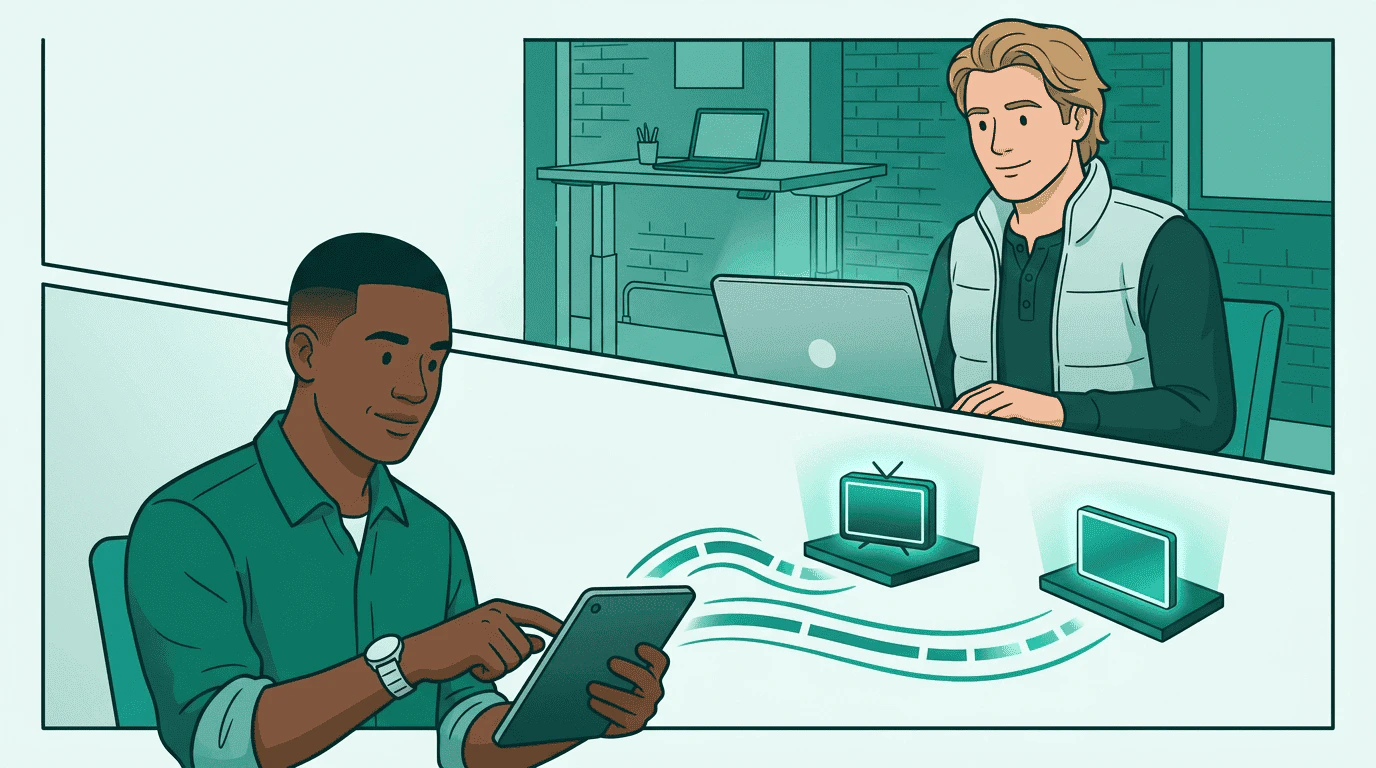
Buying through a sales agent
Sam also wants to run a sponsored article campaign through Wonderstruck, a premium publisher with its own sales agent. Instead of activating the signal on a specific DSP, Sam activates it on the sales agent directly — Wonderstruck handles its own DSP coordination:create_media_buy through Wonderstruck, the signal-based targeting is already in place — Sam doesn’t need to know which DSP Wonderstruck uses behind the scenes.
Step 5: Build the campaign
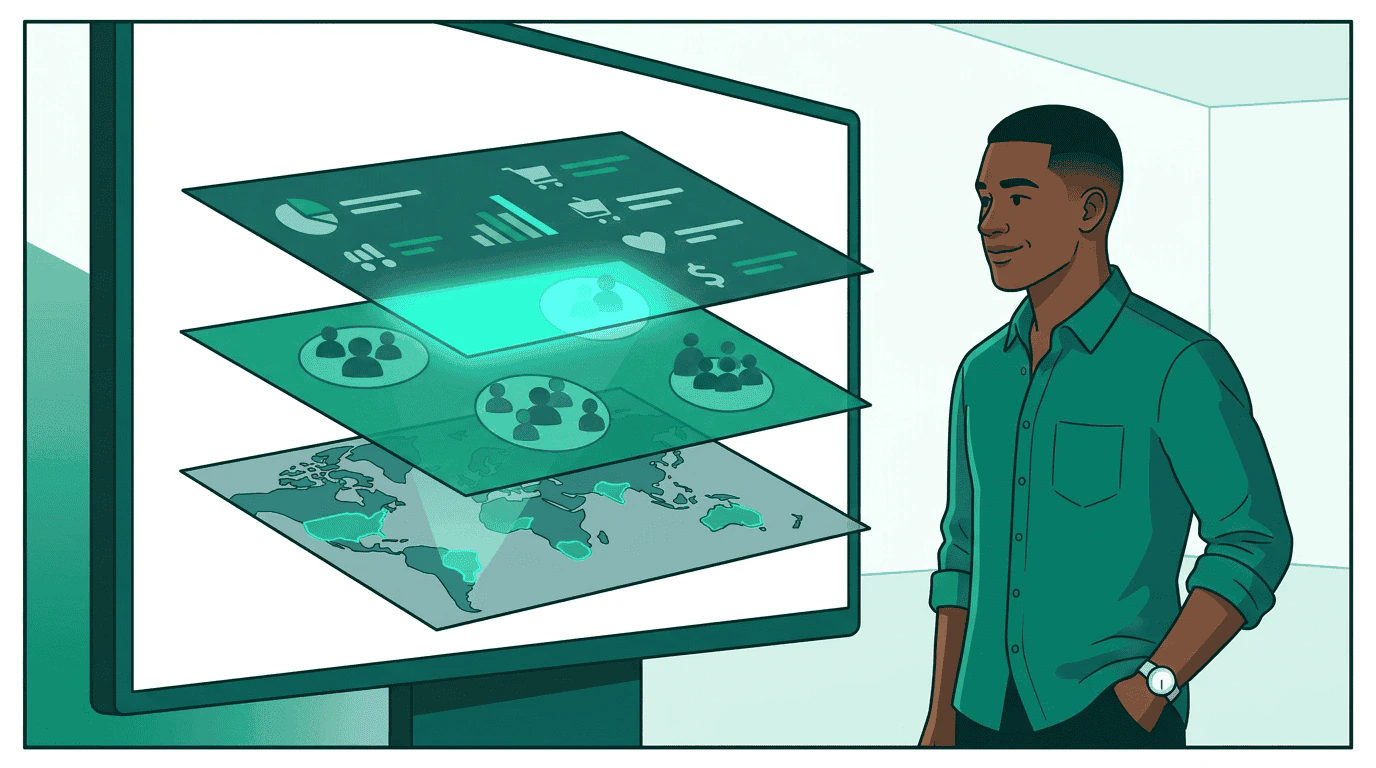
create_media_buy. The activated signals are already available as targeting segments on each DSP — the media buy references the products discovered via get_products, and the DSP applies the signal-based targeting automatically.
- Display (Nova DSP): Sam selects a display product that targets
purchase_propensity > 0.7ANDcompetitor_visitors = true. This reaches high-intent auto buyers who’ve been visiting competing dealerships. - CTV (StreamHaus): Sam selects a CTV product targeting
new_to_brand = true. This reaches households that haven’t purchased a Nova vehicle with a brand awareness spot.
Step 6: Manage and measure
The campaign runs. Two weeks in, display CPAs are running 40% above target while CTV is pacing well. Sam reallocates: he deactivates the geo signal on Nova DSP to reduce display data costs: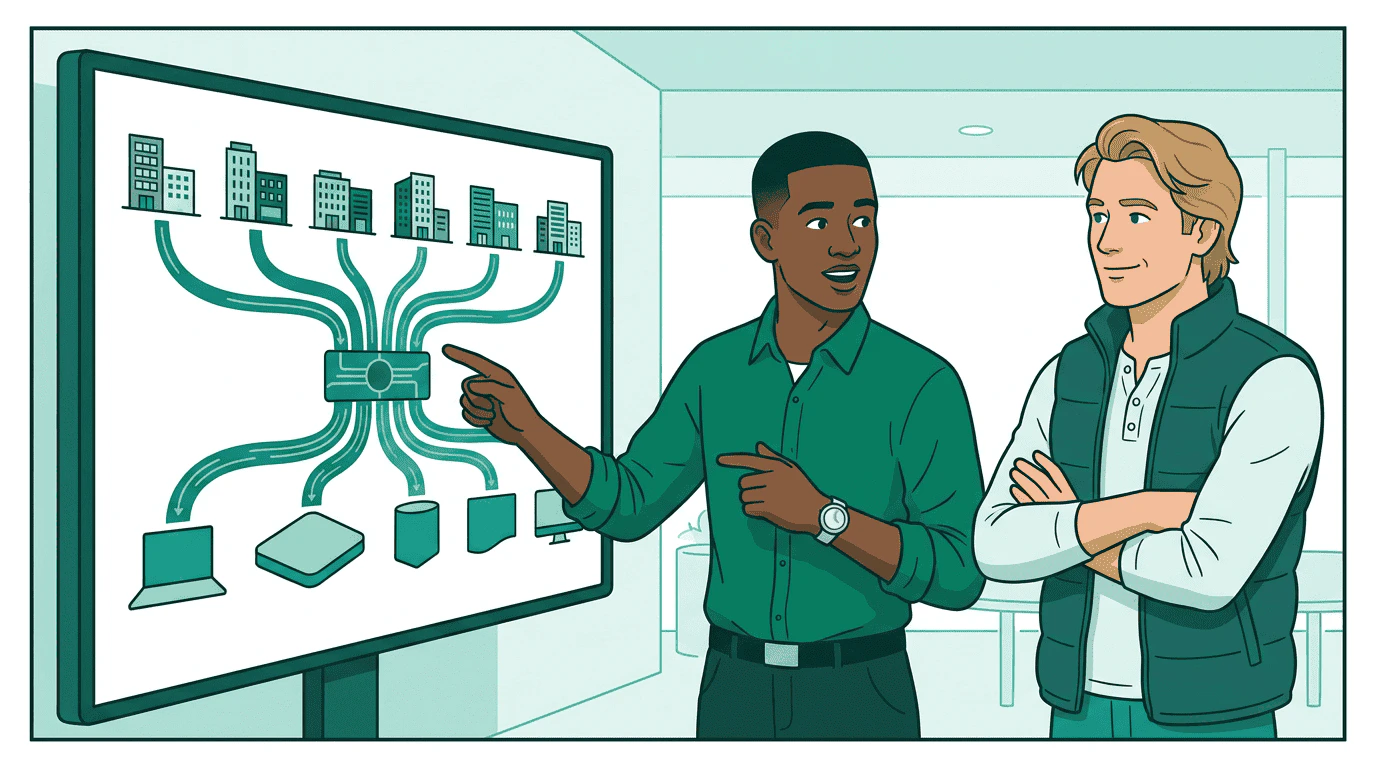
Go deeper
- Key concepts: Signal types, sources, and authorization — the building blocks behind this walkthrough
- Ecosystem: Who participates and how — data providers, retailers, publishers, CDPs, agencies, identity companies
- Publish your data: Data provider guide — how to create published signal definitions
- Protocol spec: Signals specification — formal requirements and conformance
- Get certified: The Signals specialist module teaches signal discovery and activation through interactive labs with a sandbox signal agent